
The Deadline Has Passed. Now What?
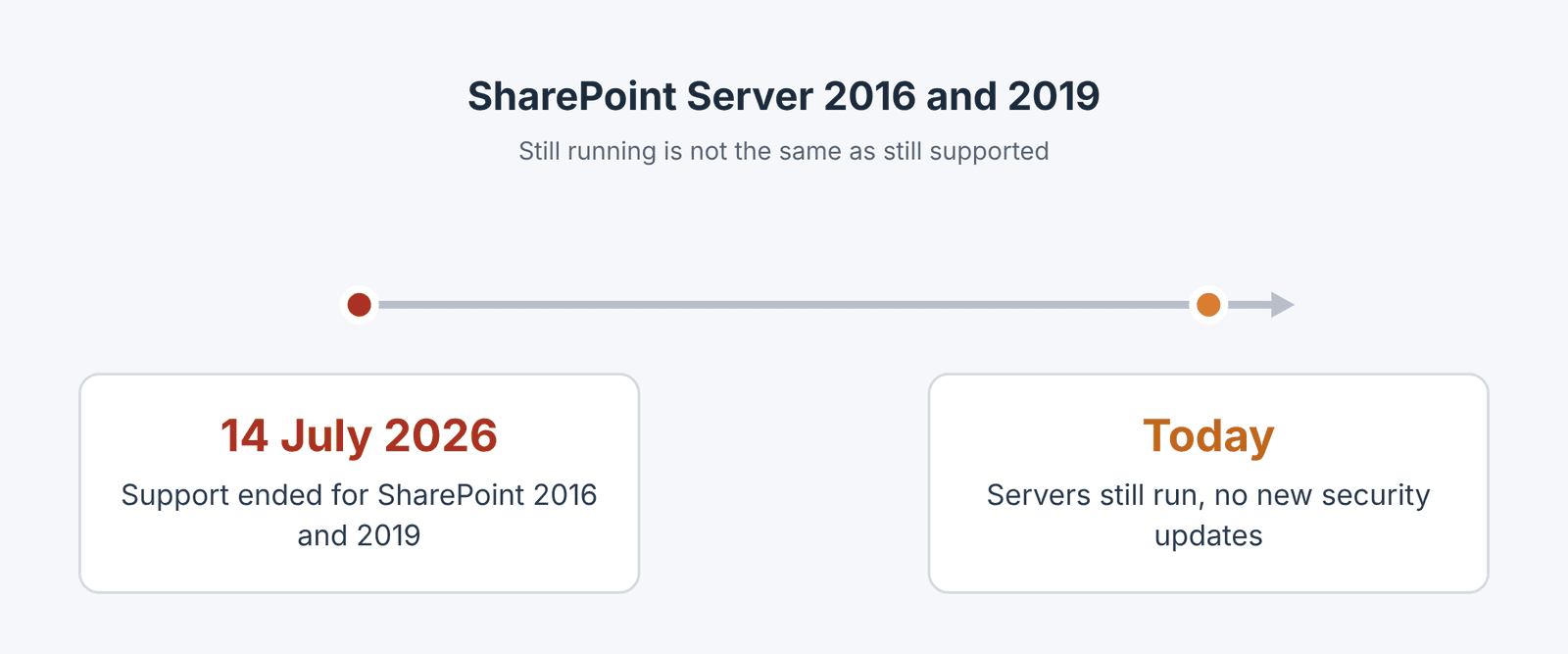
On 14 July 2026, Microsoft ended support for SharePoint Server 2016 and 2019. Almost four months later, some organisations are still running them.
Your servers did not switch off that day. They still open, people still save documents, and nobody has called to complain. That is exactly why it is easy to leave. But still working and still supported are two different things. Under Microsoft's end of support policy, there are no new security updates, and there is no Microsoft support to call when something breaks.
The good news is that you still have choices. There are three realistic paths, and the right one depends on why you are on-premises in the first place.
My First Question: Why Are You On-Prem Today?
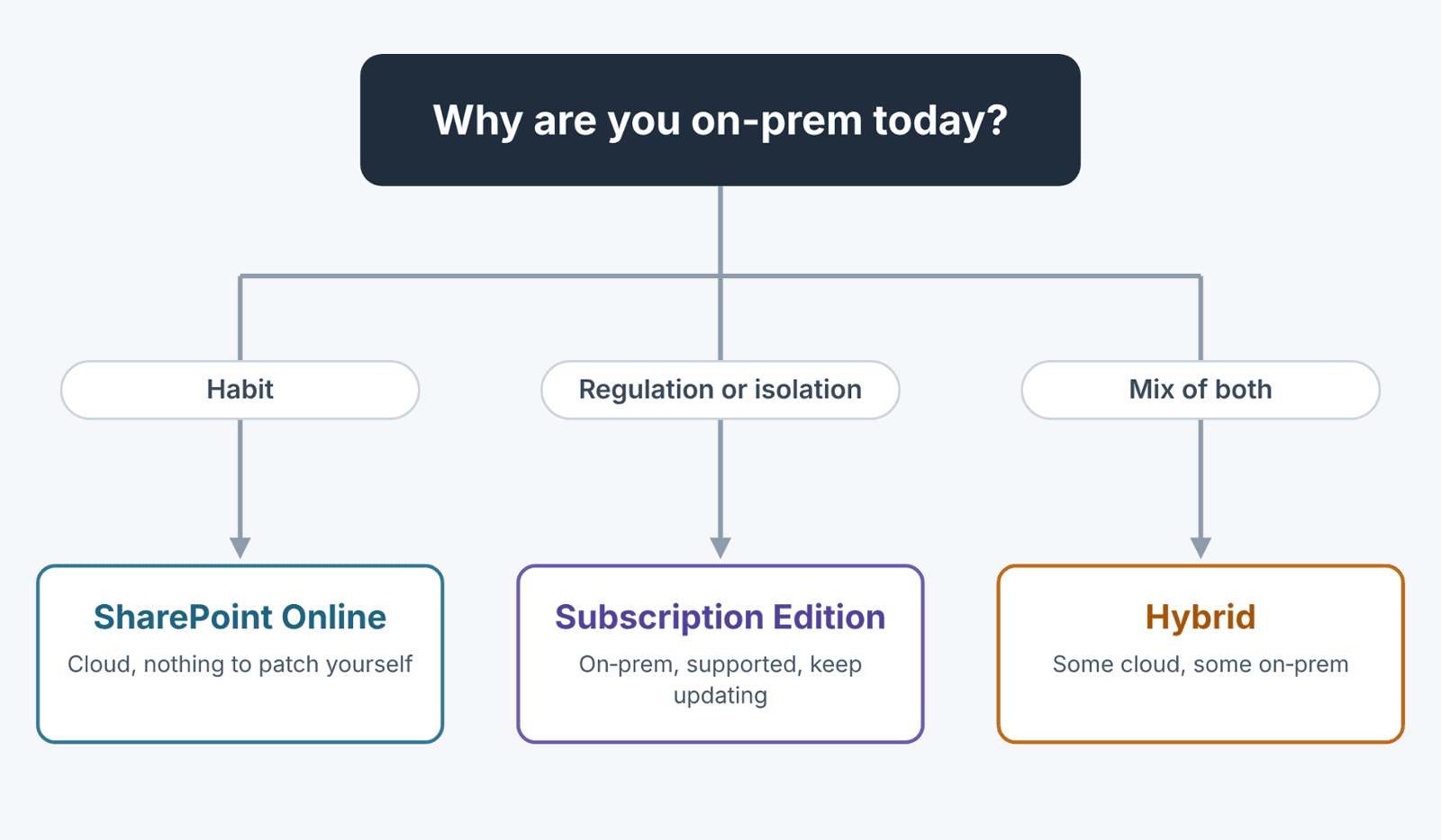
When someone asks me whether they should move to the cloud, I ask why they are on-premises. If the answer is inertia, "it has always been there", the cloud is usually the right move. If the answer is regulation, data residency, or a network that must stay isolated, the picture changes.
Path 1: SharePoint Online
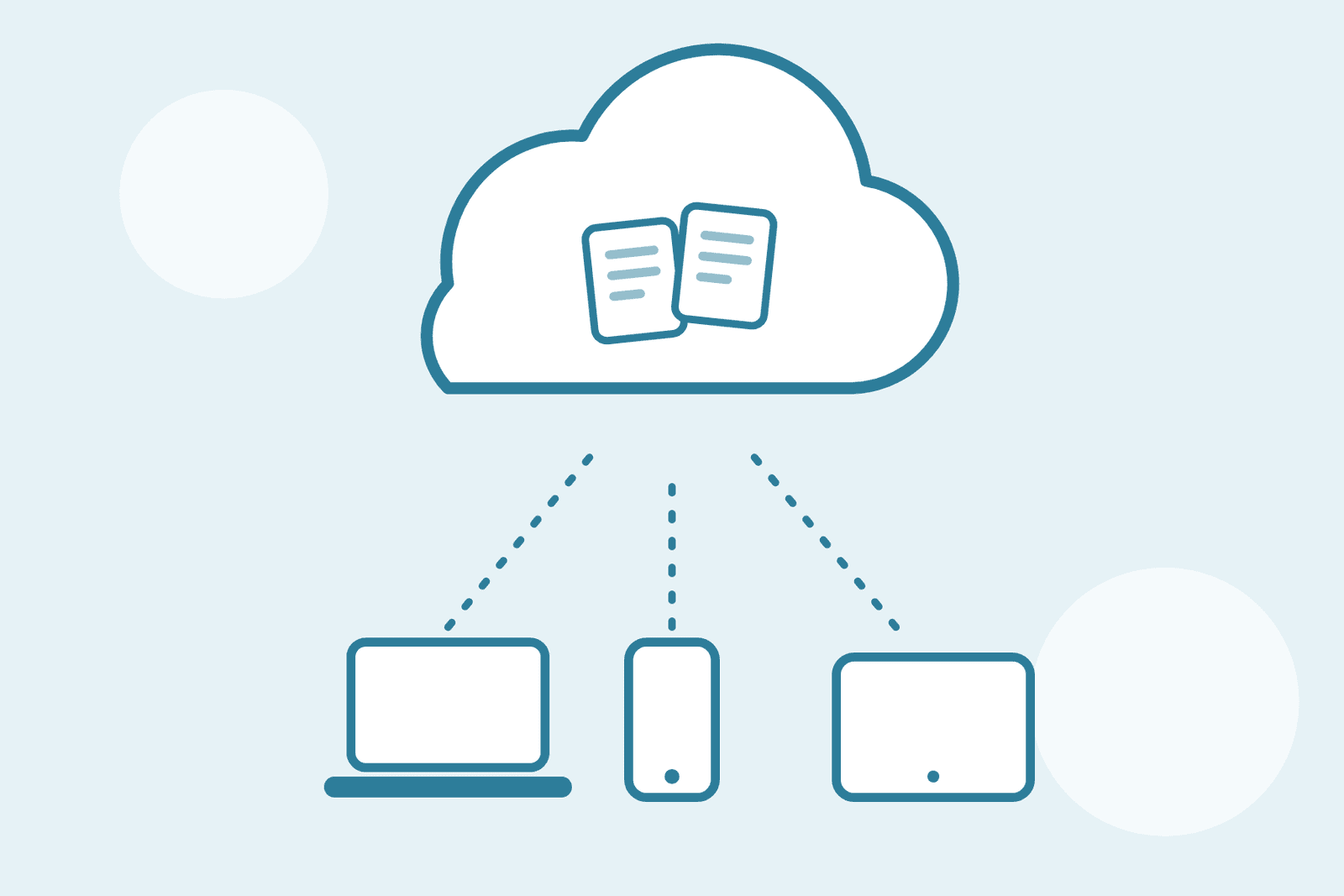
SharePoint Online is part of Microsoft 365 and is the direction Microsoft is investing in. There are no servers for you to patch, and new capabilities arrive without you having to upgrade anything.
● Best for: organisations that are on-prem out of habit, or that want to use Microsoft 365 features such as Teams, Copilot and Power Platform alongside SharePoint.
● Watch out for: custom solutions. Full-trust farm solutions do not run in SharePoint Online, so anything custom needs to be rebuilt or replaced. Also, features arrive on Microsoft's schedule, not yours (see our note on release preferences below).
Path 2: SharePoint Server Subscription Edition
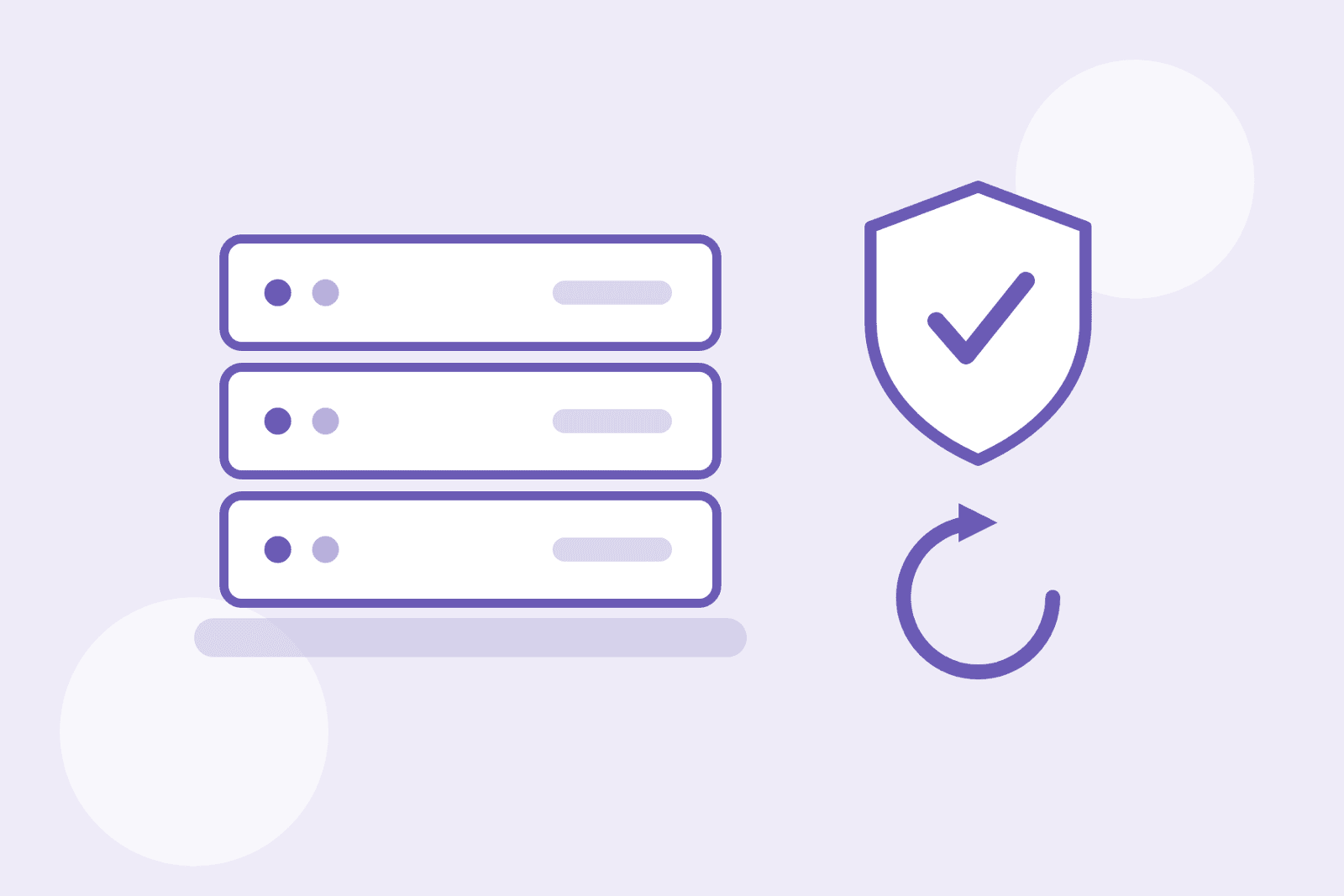
Subscription Edition is the supported on-premises version. If you need your content on your own infrastructure, it is a legitimate choice, not a consolation prize.
There is one catch. Microsoft's servicing policy supports each update build for one year, so you have to keep applying updates to stay supported. It is not install-and-forget.
● Best for: organisations with regulatory, data residency or isolation requirements that cannot move to the cloud.
● Watch out for: you still own the infrastructure, the patching and the upgrades. Running it without a patching rhythm puts you back in the same position you are in now.
Path 3: Hybrid
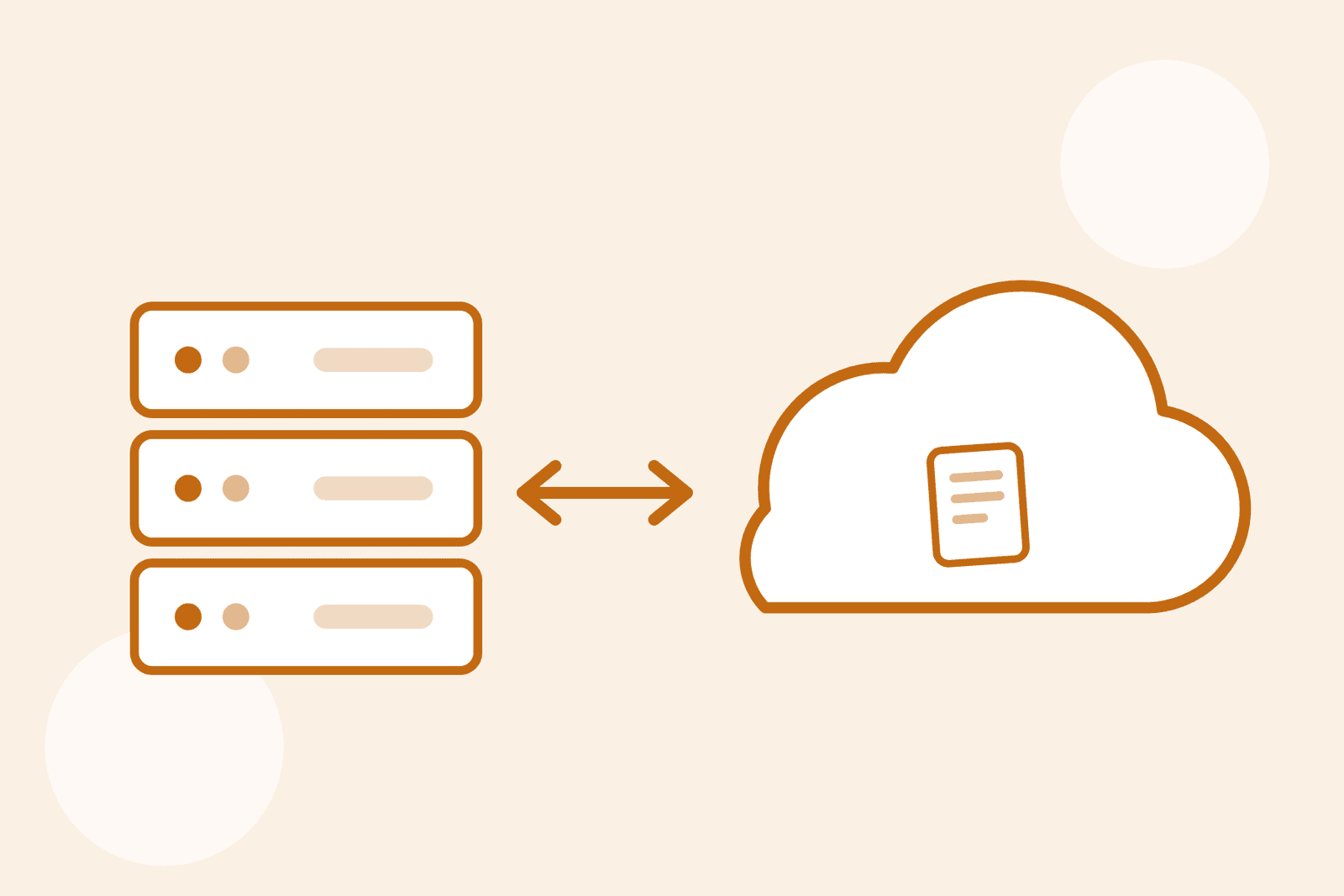
Hybrid means some content and services in Microsoft 365 and some on-premises. It is often a stepping stone: move what can go to the cloud first, and keep what needs to stay.
● Best for: organisations that need to move in phases, or that have a mix of content that can and cannot leave.
● Watch out for: complexity. You are now running two environments, so someone needs to own both.
Is hybrid SharePoint worth it?
Hybrid can be a smart stepping stone or an expensive detour, depending on your setup. In this webinar we look at when it still makes sense, when it doesn’t, and how to decide for your organisation.
How to Choose
1. List why each site or application is on-prem today. Be honest about the reason.
2. Mark anything that is regulated or must stay on your own infrastructure.
3. List custom solutions, workflows and integrations. These decide how much work a cloud move involves.
4. Decide per workload, not per organisation. Many organisations end up with a mix.
Two Things To Check Before You Decide
First, do an audit before you do anything else. Sites, permissions, workflows, custom code and large files all affect the plan. Skipping this step is the most common reason a migration goes sideways.
Second, check your licensing. Microsoft has announced that standalone SharePoint Online and OneDrive for Business plans stop renewing from January 2027 (Message Center MC1224567). If you buy SharePoint Online on its own, find out how your licences are set up now.
One more thing for the cloud route: Microsoft is retiring Targeted release in January 2027 and replacing it with Frontier, Standard and Deferred options. If your people will rely on SharePoint Online, it is worth deciding which they will be on.
Where to Start This Week
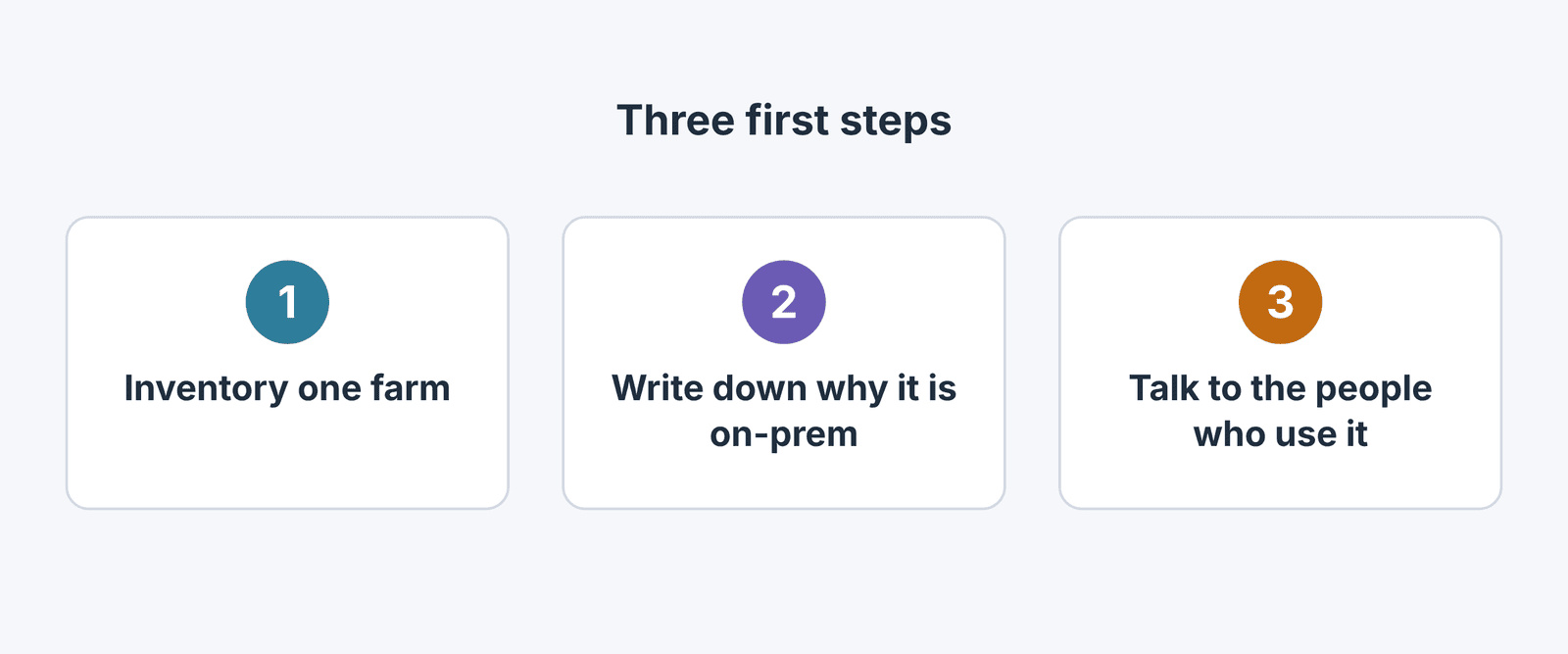
● Pick one SharePoint farm or site collection and inventory it.
● Write down the reason it is on-prem.
● Talk to the people who use it most. They know what breaks.
Questions you might have
Is SharePoint Server 2016 still supported?
No. Microsoft ended support for SharePoint Server 2016 and 2019 on 14 July 2026. The servers keep running, but there are no new security updates and no Microsoft support under its end of support policy.
Is SharePoint Server Subscription Edition supported?
Yes. Subscription Edition is supported, but Microsoft's servicing policy supports each update build for one year, so you need to keep updating.
Should I move to SharePoint Online or Subscription Edition?
It depends on why you are on-premises. If the reason is habit, SharePoint Online is usually the better fit. If you have regulatory, data residency or isolation requirements, Subscription Edition may be the right choice.
What is a hybrid SharePoint setup?
A hybrid setup keeps some content on your own servers and some in Microsoft 365. Many organisations use it as a stepping stone while they move in phases.
How long does a SharePoint migration take?
It depends on the size and complexity of your environment, and on how many custom solutions need rebuilding. An audit is the fastest way to get a realistic estimate.
Need a Hand Mapping It Out?
GTconsult helps organisations across South Africa, the UK and the US get more from Microsoft 365 and SharePoint, from migrations and custom development to security, support and AI solutions.

Barend Olivier is the Support Manager at GTconsult, managing a team that keeps Microsoft 365, SharePoint, and cloud environments secure and running smoothly. He started his career in telecommunications, explored the SOC space, and found his home in the Microsoft world. Growing up surrounded by computers and non stop gaming, he developed a love for building and fixing them and today, he continues to believe that technology is one of the best tools we have for making life more manageable in an ever-changing world.
Facts in this post were checked against Microsoft Learn and Microsoft Message Center on 9 November 2026. Microsoft changes dates often, so confirm anything time-sensitive before acting on it.