
Shadow IT After Migration: Why Some Users Never Actually Move
A migration can be 100 percent technically complete and still not be done, because someone is still saving files to the old shared drive out of habit. On paper the project has closed. In practice, part of the organisation never left.
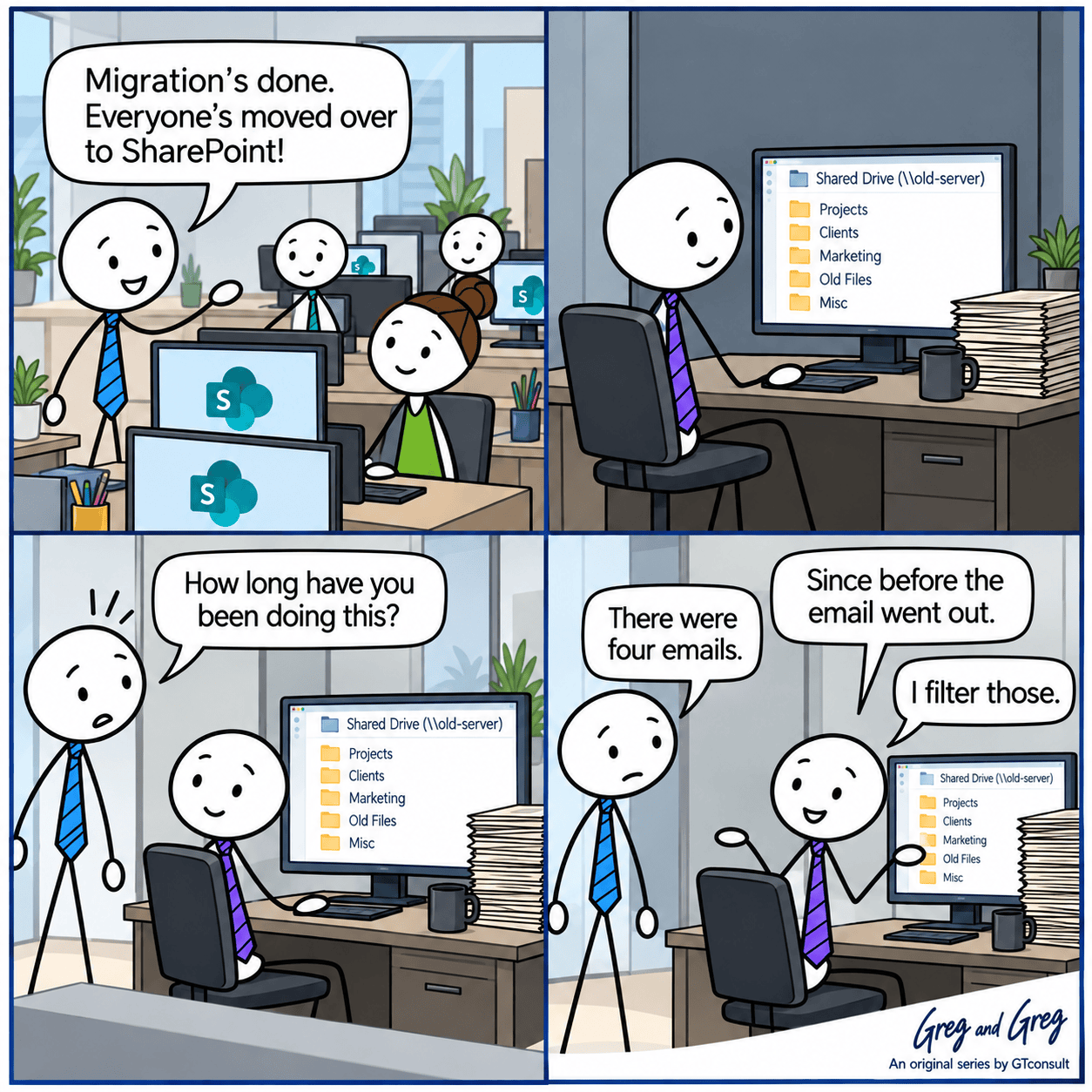
This is the gap between migration and adoption. It is common, it is predictable, and it is far cheaper to plan for than to clean up afterwards.
Why people stay on the old system

Email fatigue
By the third "please migrate" message, most people have stopped reading them. Four emails is not a communication plan, and some people filter them out entirely.

Muscle memory
Mapped drive letters, shortcuts and habits are faster than anything new, at least at first, and people default to whatever is quickest when they're busy.

No consequence
If the old system still works exactly as before, a soft deadline isn't really a deadline.

Real edge cases
Some people have a genuine need the new setup doesn't meet yet, such as a very large file, an older application that points at a drive path, or a macro. For them, staying put is a rational choice, even if it's the wrong one for the organisation.

Fear of looking silly
People who don't understand the new environment often avoid it quietly rather than ask.
The hidden cost of two sources of truth
Running both systems at once recreates the problems migration was meant to remove:
- Files get updated in one place and not the other, so "which version is current" comes straight back.
- Permissions drift. Access you tightened in SharePoint can still be wide open on the old file share.
- The old system sits outside your new governance, labelling, auditing and monitoring.
- Support has to cover both, and so do backup, patching and hardware. As GTconsult's File Shares vs SharePoint comparison notes, file shares need servers, storage and ongoing maintenance, so every month the old one stays on, you keep paying for it.
- Every person still working in the old place makes the final cutover harder, because there is more to reconcile.
Find out who hasn't moved
Don't wait for people to tell you. Gather evidence instead:
- On the old file server, check which shares still see activity. Last modified dates, plus the open files and sessions views in Computer Management, show who is still connected.
- In the Microsoft 365 admin center, the usage reports for SharePoint and OneDrive show who is active in the new environment. Compare active users against your headcount.
- Ask your change champions and team leads. They will know who is still emailing attachments and who has gone quiet.
Close the gap
You can edit text on your website by double clicking on a text box on your website. Alternatively, when you select a text box a settings menu will appear. your website by double clicking on a text box on your website. Alternatively, when you select a text box
What not to do
- Leave the old system open indefinitely "just in case".
- Rely on a single announcement.
- Treat stragglers as a discipline problem. Most of them are a training or tooling problem.
- Skip the managers. If a team lead is still using the old share, their team will too.
Questions you might have
How do you know migration has actually been adopted?
Look at usage data on the new platform compared with headcount, and check that the old system has gone quiet. Content moving across and people moving across are two different milestones.
Why do employees keep using old systems after migration?
Usually a mix of habit, communication fatigue, genuine gaps in the new setup, and the old system still being available with no consequence for carrying on.
What is the most effective way to force adoption?
A firm decommission date, a read-only period before it, and targeted support for any real edge cases.
Is it risky to leave the old file share running?
Yes. It sits outside your new governance and creates two sources of truth, and permissions can drift between them.
How long should the old system stay available after go-live?
Long enough to cover a rollback window and sign-off, then it should be decommissioned. The exact length depends on your risk and compliance needs, but it should be a date, not an open-ended "later".
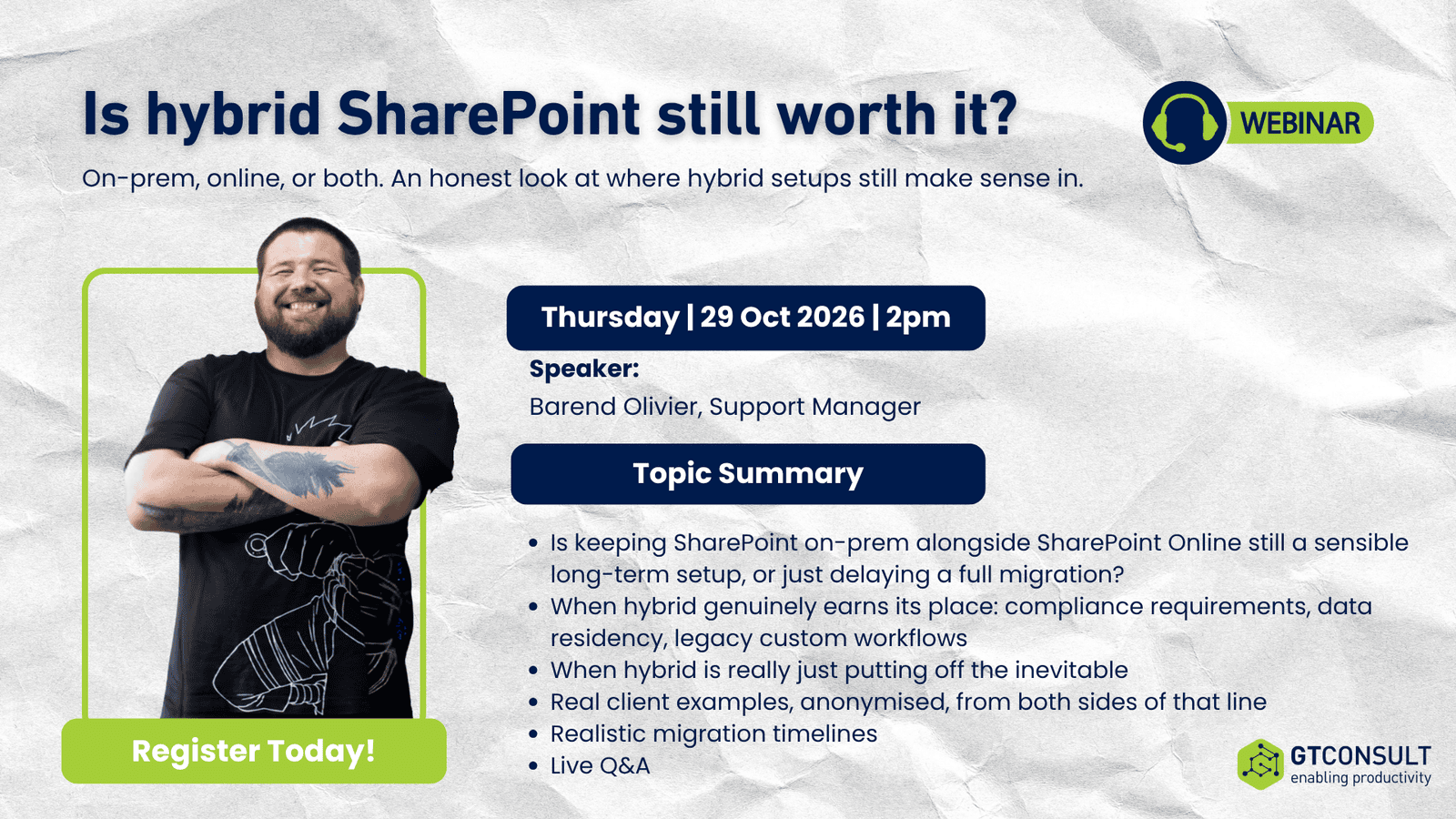
Is Hybrid SharePoint still worth it?
Migration done, but still living in two worlds? Join Barend Olivier on Thursday 29 October 2026, 14:00 to 15:00 SAST, for our free webinar Is Hybrid SharePoint Still Worth It?
He'll cover when hybrid genuinely earns its place, when it's just putting off the inevitable, and how to decide what's right for your environment.
Related reading: MS365 training and SharePoint migration services.