
"It's just a weekend job" is the most expensive sentence in any migration project. Copying files across is the easy part. What actually eats the calendar is everything attached to those files: permissions, metadata, workflows, and the dependencies nobody mapped before quoting the job. By the time a client realises the estimate was wrong, the project has usually already started, which makes it a much harder conversation to have.

Why timelines slip
A SharePoint migration timeline isn't driven by data volume alone, and treating it like a simple copy job is where most estimates go wrong. It's driven by a handful of factors that rarely show up in an initial scoping conversation:
Building an estimate that holds
A realistic scope starts with a content and permissions audit before any date gets promised to a client.

That audit surfaces the real variables, things like broken permission inheritance, workflow dependencies, and sites nobody's touched in years, that turn a two week job into a six week one.
The audit doesn't need to be exhaustive to be useful. Even a sample based review of a handful of representative sites and libraries usually surfaces the patterns that will slow the whole project down. What it should never be is skipped in the interest of giving a client a fast answer, because that fast answer is the one that gets renegotiated later, usually at a worse moment for everyone involved.
A good estimate also separates the migration itself from the surrounding work. Content cleanup, workflow rebuilds, and user training are often treated as part of migration when they're scoped, but they behave more like their own mini projects with their own timelines. Naming them separately in the plan makes it much easier to explain, later, why a date moved.
Questions you might have
How long does a SharePoint migration usually take?
It depends entirely on content volume, permission complexity, and customisations. A small, clean tenant can move in days. A large one with legacy workflows and unique permissions can take months.
Can migration timelines be shortened?
Yes, with proper pre-migration content cleanup and a phased cutover. Skipping the audit step to save time almost always costs more time later, once the real complexity surfaces mid-project instead of before it starts.
What's the biggest cause of migration delays?
Undocumented permission structures and legacy customisations that only surface once the migration is already underway, usually because nobody had visibility into them at the scoping stage.
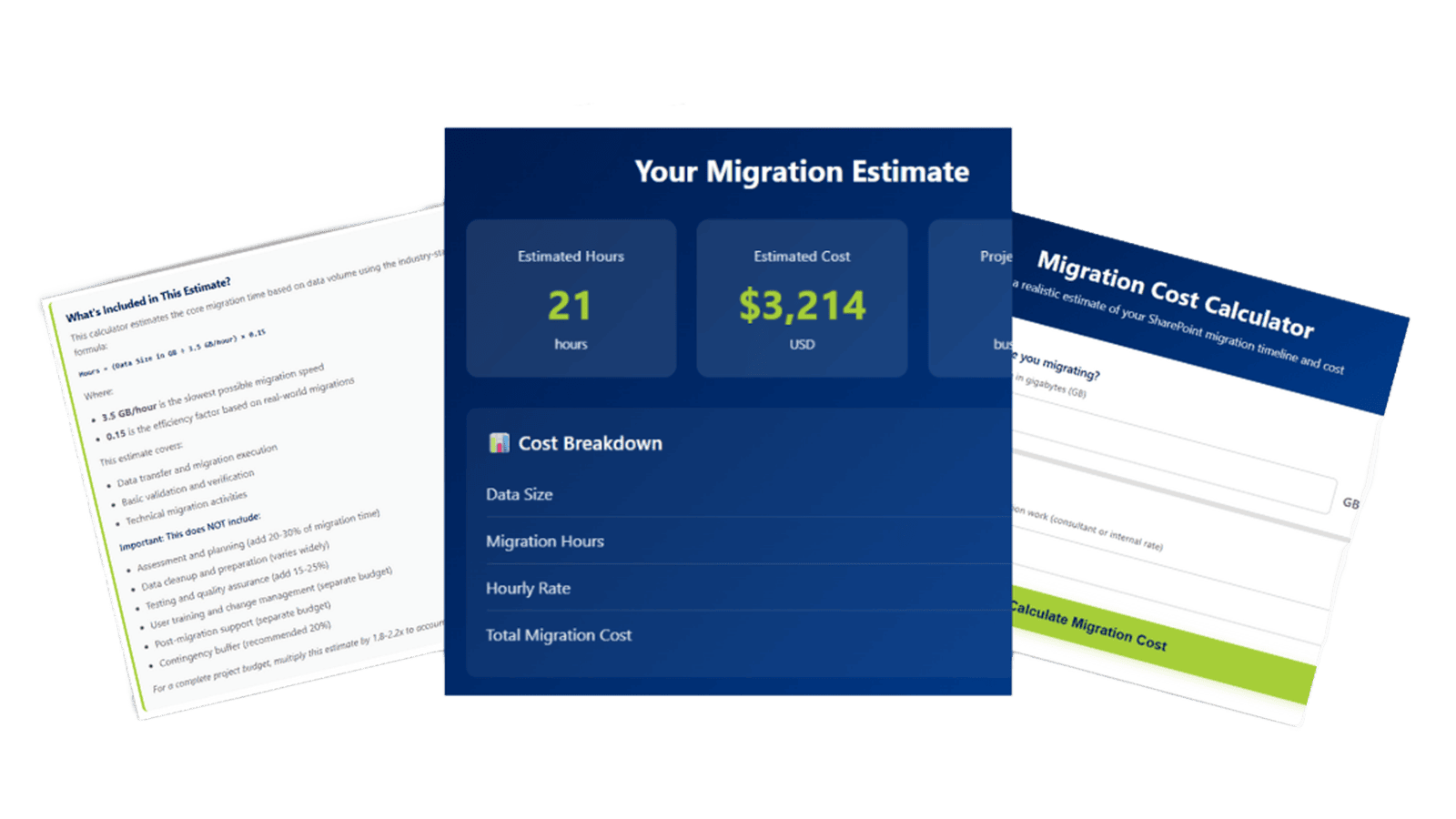
Not sure where your own migration timeline would land? Try GTconsult's free migration cost and timeline calculator to get a realistic estimate based on your content volume and complexity, before you commit to a date.